Our Prescribing Module includes reports for you to use and we have broken these down into different categories to prioritise.
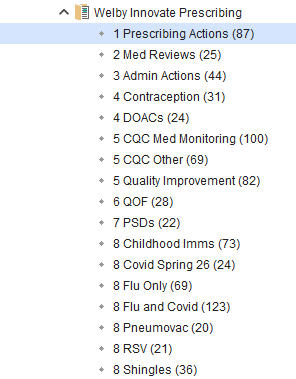
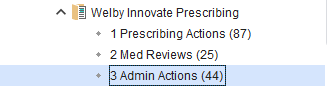
The first 3 categories in the prescribing module folder are essential to be run regularly to ensure safe prescribing. We have support articles and videos for each of them to help you action these.
1 Prescribing Reviews - How do I review the Prescribing Actions reports?

2 Med Reviews - How do I record medication reviews?

3 Admin Actions - How do I send out Med Review Questionnaires and Invitations?
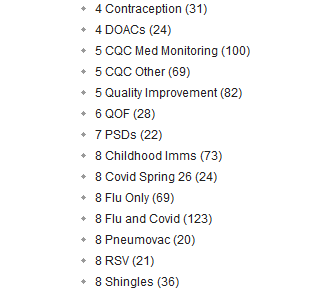
4-8 are useful to run and action when possible, but it is not essential to do so - How do I review the other folders?
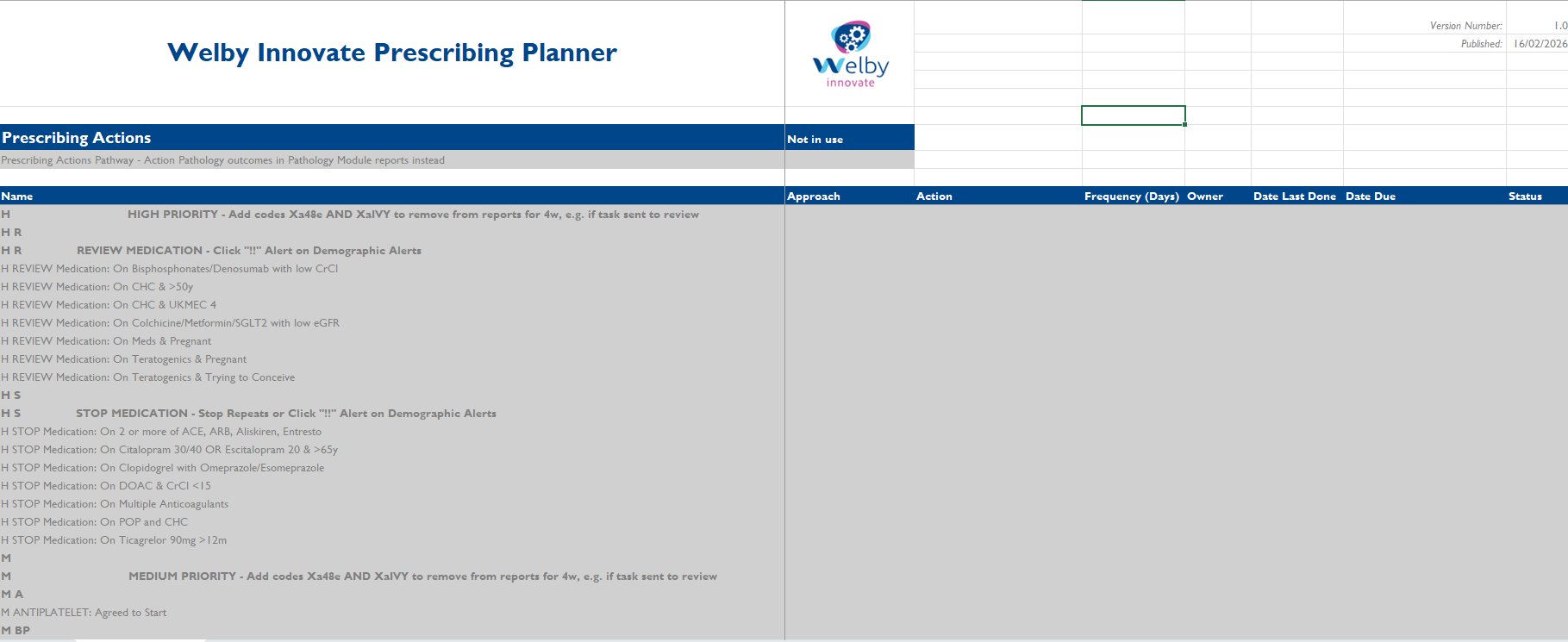
Prescribing Planner - Similar to our recall planner, we've developed a Prescribing Planner to record when to run the different sections, and plan who will be actioning the reports and how. Reports can be worked from directly or an admin member of staff can task the clinician or book an appointment if this is the way you wish to work.
Each of the 3 essential categories have their own tab and has each report listed. From here, you can select the approach you wish to use, how often to run them and who will be responsible for them. The planner will then show when each is due in the same way as the recall planner.
Download a copy of the Prescribing planner here
Was this article helpful?
That’s Great!
Thank you for your feedback
Sorry! We couldn't be helpful
Thank you for your feedback
Feedback sent
We appreciate your effort and will try to fix the article