- In SystmOne you will bring up the patient you wish to send the Questionnaire to.
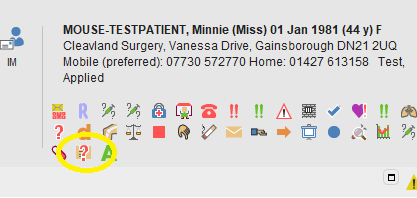
- Click on the Icon shown below.
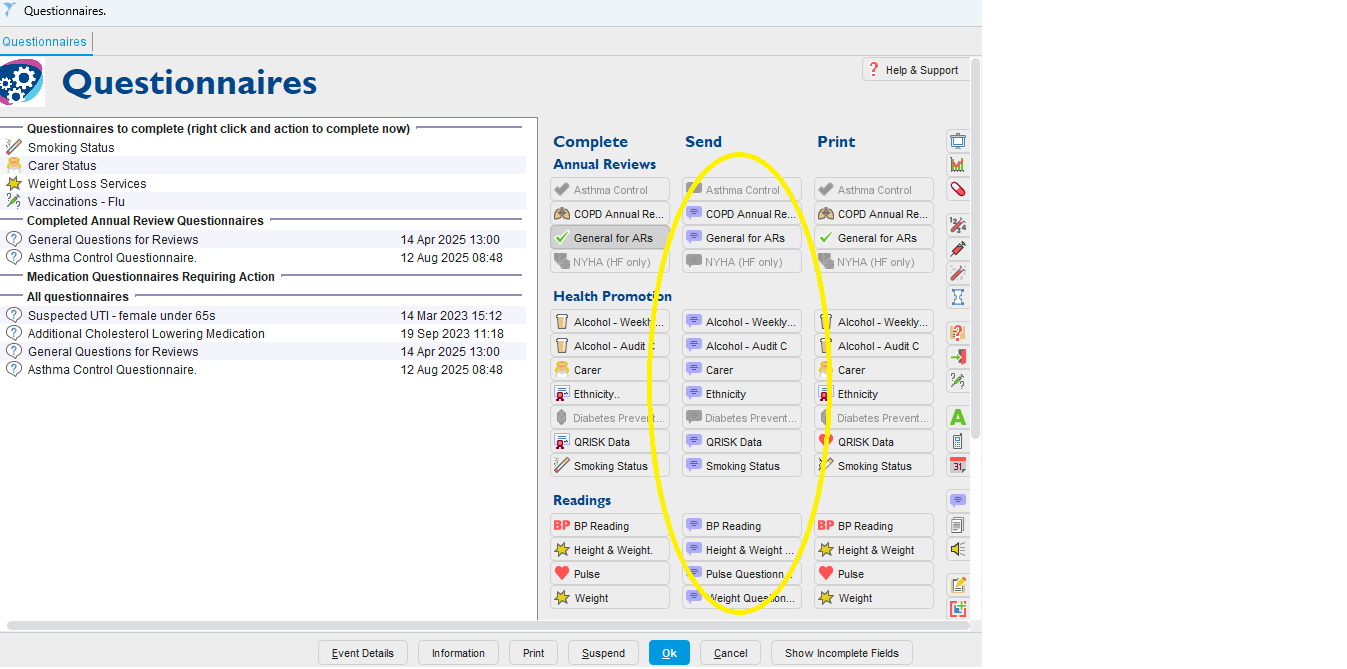
- In this next pop up box there are 3 columns, you will use the middle column for sending the Questionnaire to the patient.
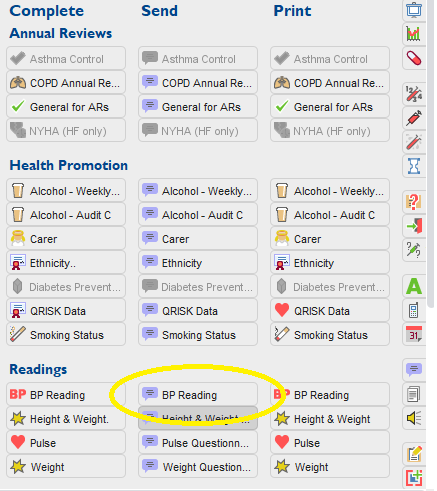
- Select the Questionnaire you wish to send, we will use the BP readings for this example.
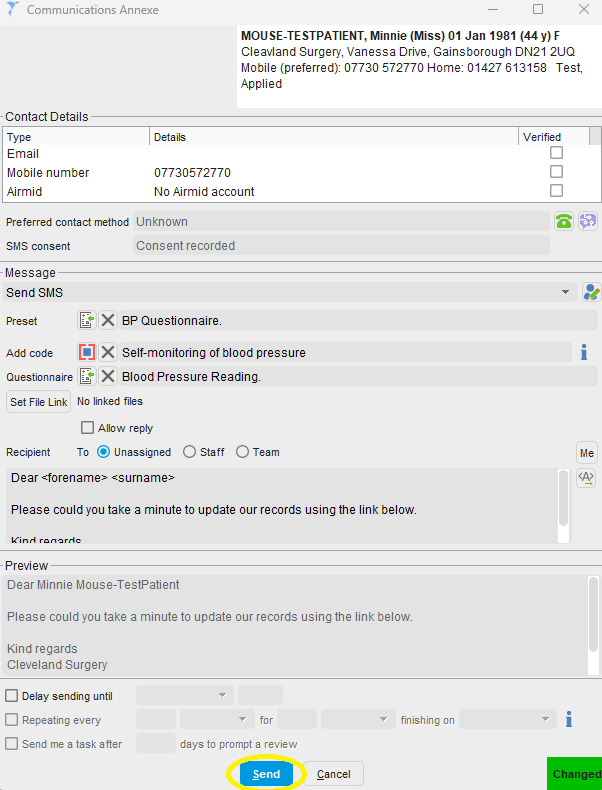
- The communication Annex pop up will appear.
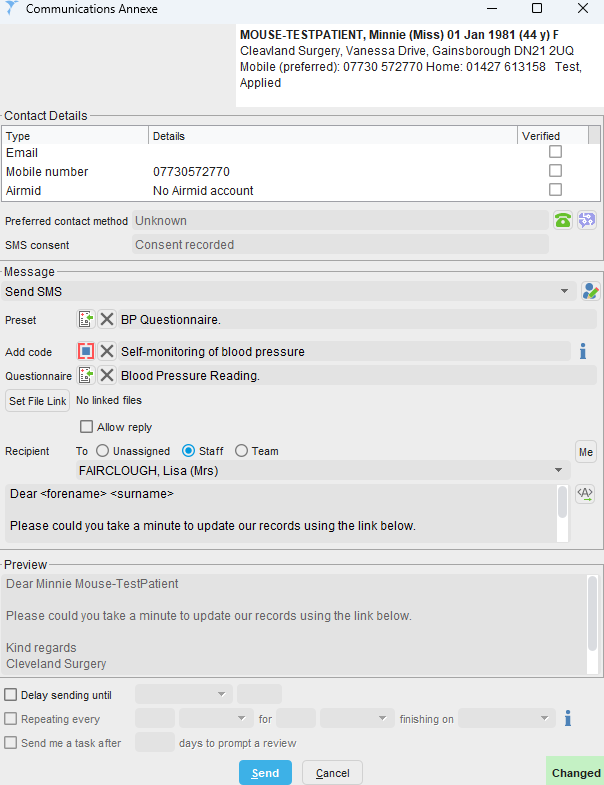
- In this box you will choose who the Questionnaires are returned to from the patient, you can choose one member of staff, yourself by clicking 'Me'

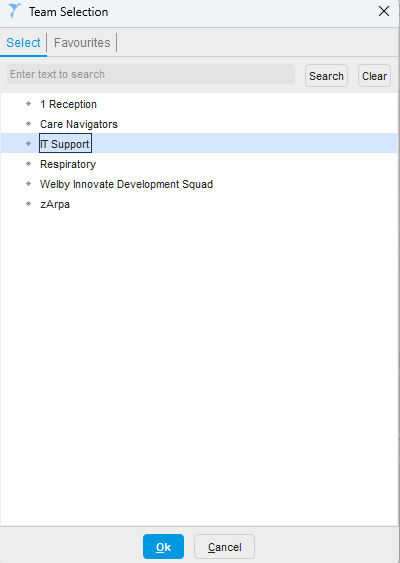
- Or you can choose a team, such as Care Navigators, Reception etc.
- Once you have chosen the recipient, click Send and this will sent to the patient.
Was this article helpful?
That’s Great!
Thank you for your feedback
Sorry! We couldn't be helpful
Thank you for your feedback
Feedback sent
We appreciate your effort and will try to fix the article