Due to QOF changes on frailty we have created a new alert to help flag patients who's frailty status should be reviewed.
This video shows how to use the new frailty Icon and where to find it.
Or if you prefer a step-by-step guide:
You can now find this icon on the patients front screen, it can also be found in the Recall Overview under

It can also be found in the Recall Overview under the Other work to do heading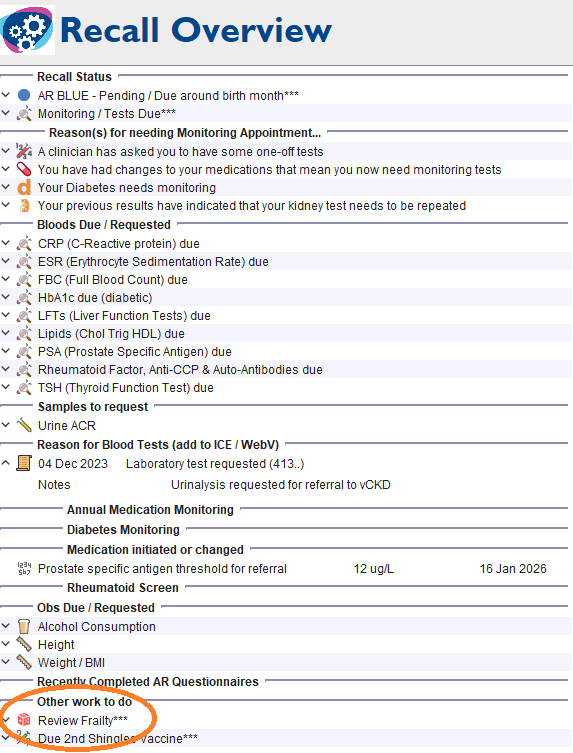
If the Review Frailty icon has appeared on the patients notes this means that there are some indicator's that suggests that the patient may have some kind of frailty such as over 80yo, housebound, coded as mildly fail in the past.
From the patients front screen click action, this will take you to your template to be able to code your patient level of frailty.

If you are in the Recall Overview you can right click on the 3 stars at the side of the icon then click Action, this will take you to your template to be able to code your patients level of frailty.
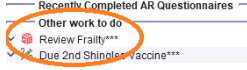
If the patients has already been reviewed in the past 6 months this alert will not appear
Was this article helpful?
That’s Great!
Thank you for your feedback
Sorry! We couldn't be helpful
Thank you for your feedback
Feedback sent
We appreciate your effort and will try to fix the article