Blood pressure targets are based on this NICE guidance (Recommendations | Hypertension in adults: diagnosis and management | Guidance | NICE) unless a patient has a personal target coded.
If you want to set different targets for certain patients, we've built some reports to identify patients who may require a lower target:

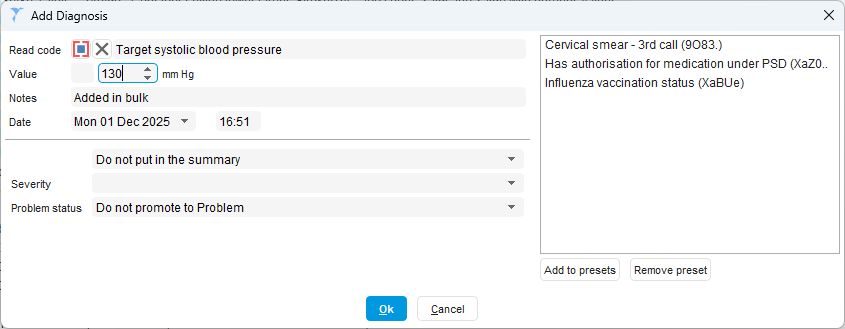
To set them in bulk, follow the normal steps to bulk add a code, pick the codes for numeric targets, and enter the target:
Reviewing or Setting Targets on an Individual Patient
On our BP template, you can see a patient's target and the reasons. If a patient has a personalised target, the personalised target is displayed along with what the patient's target would otherwise be. For example:

The personalised targets are always treated as clinic targets.
If you want to override the personal targets, you can either code a new target or click the button to clear previously coded targets:

Given the importance of accurate BP targets, we recommend running these reports and reviewing targets that are older or where patients have had diagnoses since that might change their target.

Was this article helpful?
That’s Great!
Thank you for your feedback
Sorry! We couldn't be helpful
Thank you for your feedback
Feedback sent
We appreciate your effort and will try to fix the article